API vs Library

In my previous post I mentioned that I am trying to write to Neo4j from node.

This is becoming difficult as each of the top two libraries seems to have serious dependency problems.

The Neo4j package does not handle error conditions well due to a missing stacktrace function.

The neo4j-driver package is also broken with a vague “Headers is not defined”.

This brings me to the main topic: when should you choose a library versus directly using an api?

Firstly does the library do the job? There are lot of node packages out there. Some of them are useful.

If the library adds some features then it’s a no-brainer. Especially if the library can maintain a stable contract despite the underlying api changing (The Delphi VCL was a great example of this. The VCL survived the underlying platform moving from 16 to 32 bit without any code changes required).

There is also the matter of the dependency chain that you will pick up with the library. It’s not uncommon for a npm package to have tens of dependencies. This can mean that a poorly maintained library can be broken by someone else’s change (this may be less of a problem with the introduction of package-lock). This can also be difficult with dependencies from multiple required libraries: these can clash and you may have to chose which bugs you can live with.

If the usage that you have of an api is simple and the api is stable it may be worth directly calling just the parts that you need.
Viewing a Contentful space in Neo4j – Part 1

Contentful is a really effective headless CMS. It’s api does have some limits (you can only query user defined fields across a single type at a time).

A few years ago I managed to find a way of mapping a contentful space into a Neo4j graph database. This allows full querying of the data in contentful. This can be useful for finding where a given image is in use or finding pages that are orphaned.

I am now trying to recreate this library as an open source node project.

I have started by creating a free contentful account (provided I only have one space and live within the limits this will be fine for my purposes).

To query contentful I am using the contentful npm package.

So far I can query the assets and content types in my space.

Initially I am going to use a local version of neo4j but will be moving to a Heroku hosted version. Neo4j community 1.1.6

I’ll add to this series as I progress.

Testing React with Enzyme, Jest and Fetch

I have been having fun recently working on a react app. Typically I use TDD.

This can be difficult when you have code that goes:

fetch.then(res => json)
.then(res => this.setState(res.aValue)
 )

Testing this gets awkward. Changing the signature is too invasive. You can easily mock the fetch but get a race condition reading the state.

This is the solution that I found works. By abusing the javascript sequencing a bit – do what you need to then check this:

setTimeout(() => { assert thing.state}, 0)

Thoughts On Contentful Migrations

Contententful have a wonderful headless CMS. It has a UI for the content editors but the developers get a stream of JSON. This means that the consuming application is free to do anything with the output – which is a major contrast to other CMS systems.

Contentful have a CLI tool that allows migrations to be applied to the schemas (and content). This is not the approach that my team has taken (largely because the migration tool did not exist when we needed it).

Our approach is to have a declarative content schema in code. On deployment it compares this to the environments current state and attempts to upgrade it.

Upgrades happen on a field level of each content type. Once a content type has been upgraded then the widget type for each field is set.

We don’t attempt to remove fields or migrate data as we have not in two years had the need to automate this (we have manually removed a few fields or redundant content types).

This approach is closer to desired state configuration than migrations. It has the benefit of acting as it’s own complete documentation.


Eight Influential Development Books

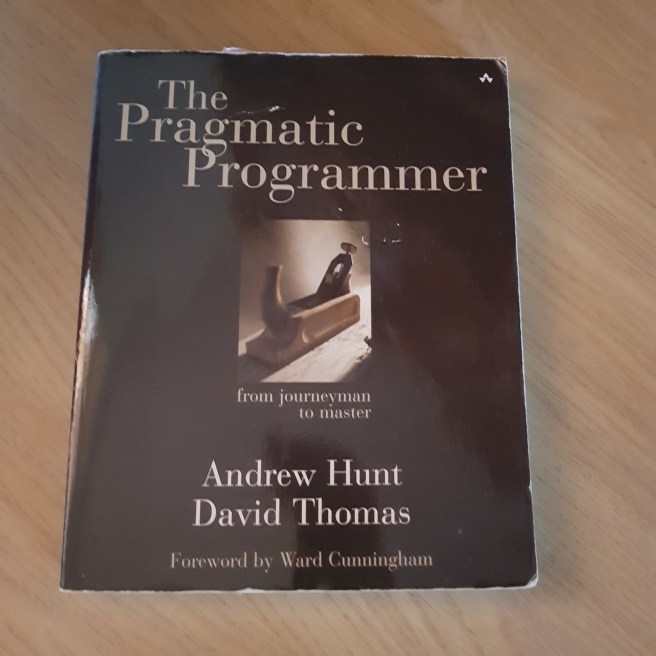
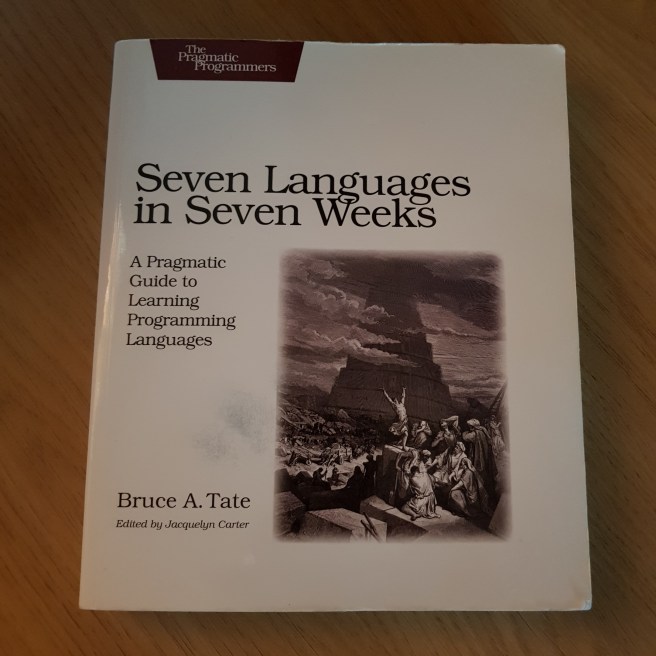
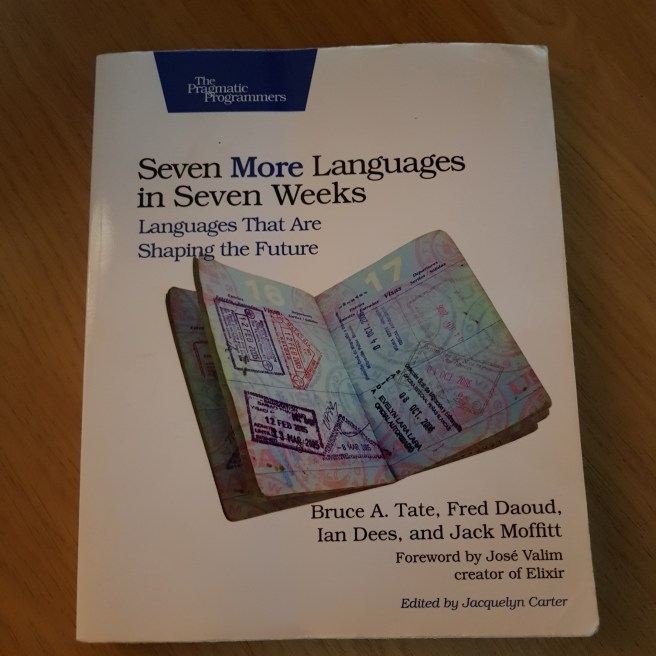
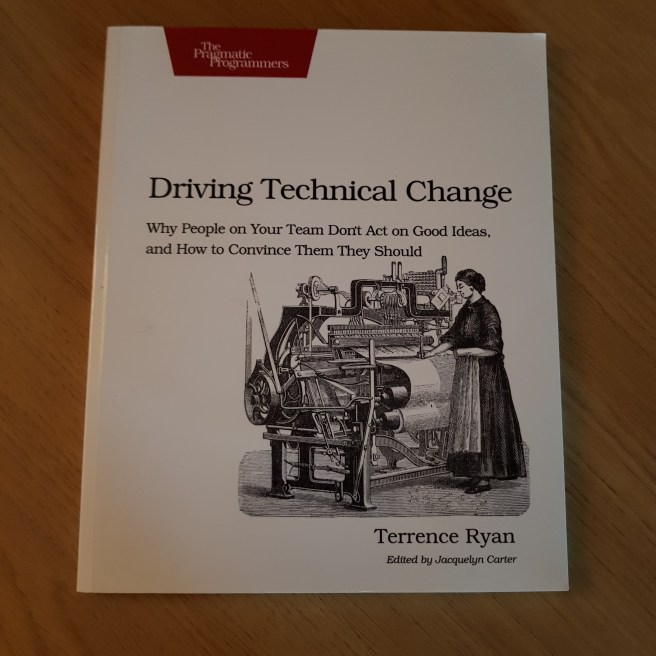
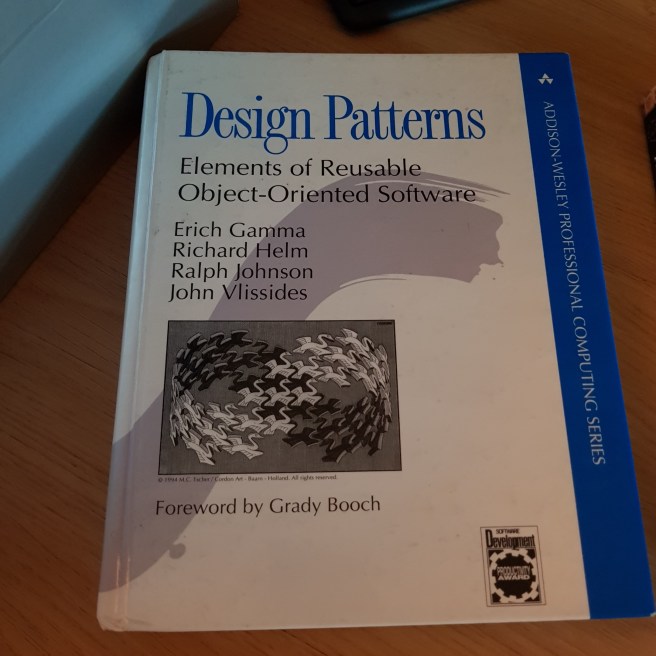
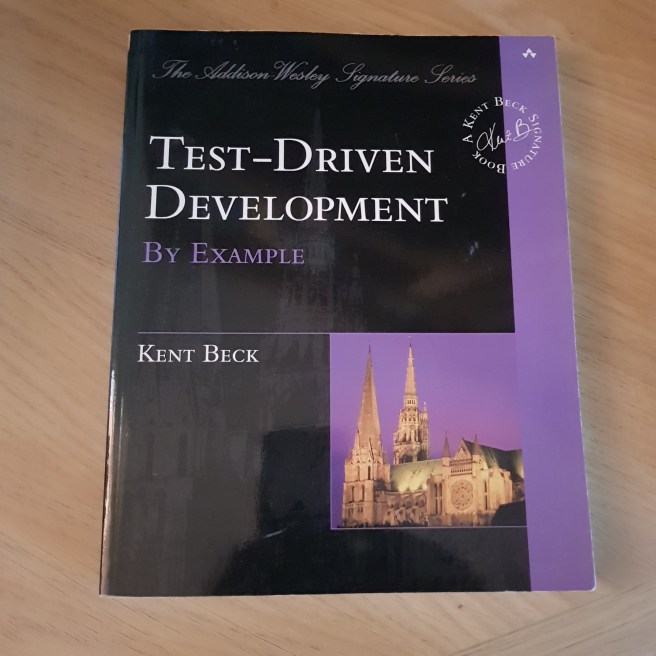
Here are eight influential books that relate to software development:

The classic:20180526_183055

Introducing techniques:

20180526_183109.jpg

The skills around development:

20180526_183115.jpg

How to unit test anything:

20180526_183120.jpg

How to stretch your knowledge:

20180526_183129

How to stretch your knowledge further:

20180526_183135.jpg

How to explain your new ideas to other people:

20180526_183254.jpg

Information about Quality, Gumption Traps and The Scientific Method:

20180526_183142.jpg

Redux CombineReducers is broken

Recently I have started using react redux. It’s amazing how complex React/Redux makes even the simplest task.

I needed to pass an environment value through to the client side rendered ui. This was to allow the component to vary by environment – something essential in a dev -> qa -> preprod -> live pipeline.

You need to pass this into the store and map it out into the state of your component. All of the documentation and examples seem to care about is state mutation. The trivial case is overlooked.

The app that I am working on has multiple reducers that are combined with CombineReducers. This has the interesting side effect of dropping any state that is not included in a reducer.

This is not accidental it actually warns you (cryptically) that it is doing it.

I solved this for now by creating an idempotentReducer that simply returns the state. This is not a good long term solution.

The documentation on CombineReducers does state that it is intended for simple cases. I can’t imagine why passing through static state is not the simplest case.

Phoenix for Rails Developers – Part 3

I have now completed the book (although not all of the bonus exercises).

https://github.com/chriseyre2000/storex

The remainder of the book demonstrated extensions to the application to create an administration mode. This shows how you extend an existing application.

Overall the book is a gentle introduction to Phoenix and avoids introducing some of the more complex features (there is no attempt to explain OTP or Channels).

The code struct has been easy to follow with the examples being split into the correct sized chunks. This is in comparison to Learn React Native who code samples were excessive given that you needed to type in several pages of code before anything could be checked.

I did find a few typos which the author says are due to be corrected soon (an early view of the contents of the database includes the admin flag, some brackets are missing on some of the redirects and the validate_max_price method breaks when the price is null).

This has been a very useful addition to my Elixir/Phoenix study library.

It is interesting to compare the changes in the Phoenix framework between the Learning Phoenix book and this one. The major difference is the movement of the model from within the Phoenix app itself (storex_web) into a library (storex).

The only variation I took from the book was to add Credo:

{:credo, “~> 0.9.0”}
This is a style and code recommendation tool that use gets suggested in a number of places.
This adds a number of styling warnings for any application. It can be customised but does encourage good practice.
I have fixed up some of the hints (spacing issues, don’t use cond with only one non-true condition).

Learning React Native – Part One

I am now trying to learn react-native from the book Learning React Native.

These are my notes that may help other people following this path.

First problem:

You can’t use npm 5 with create-react-native-app.

This can be resolved by using

npm install -g npm@4.6.1

This will roll npm back to a known good version. Later versions may work (and by the time you read this (it’s April 2018 as I write this) things may have moved on.


Note that you will also need to install the Expo app onto your phone.

The phone and your machine need to be on the same network.

This is for the first version of the app that was deployed.

There is also a react-native-cli version, but that requires a more complex android setup.

If you are using Expo it has a built in QR reader.

You may also need to register your own api code to use openweathermap.org.

It’s a bad idea to publish a public key for a free service.

So far this book seems less professionally written than the pragprog
 books that I have been working through recently. 
It does not seem to flow well and has a few rough edges. 
Typically code is added piecemeal but requires style details that 
are not supplied until the full sample.

The weather app is slightly broken. Image can no longer have children. There was no stated version of create-react-native-app so I have installed the latest.

That’s it for now – just finished Chapter 3

Note this is the end of this series of articles. The book was found to have so many broken examples that it was not worth continuing.

Linux Development on Android

It is now possible to start Linux Development on an android device:

https://medium.freecodecamp.org/building-a-node-js-application-on-android-part-1-termux-vim-and-node-js-dfa90c28958f

The above article shows how to install enough onto your phone to allow basic development.

Here is some of the history from my first session

1 apt update && apt upgrade
2 apt install coreutils
8 which awk
9 which sed
10 which grep
11 which curl

# not found so installed via
12 pkg install curl
13 curl
19 apt install vim
21 apt install nodejs
22 which node
24 node -v
25 history

Given that I now have node, vim, curl, grep, awk and sed this looks to be a useful base platform.